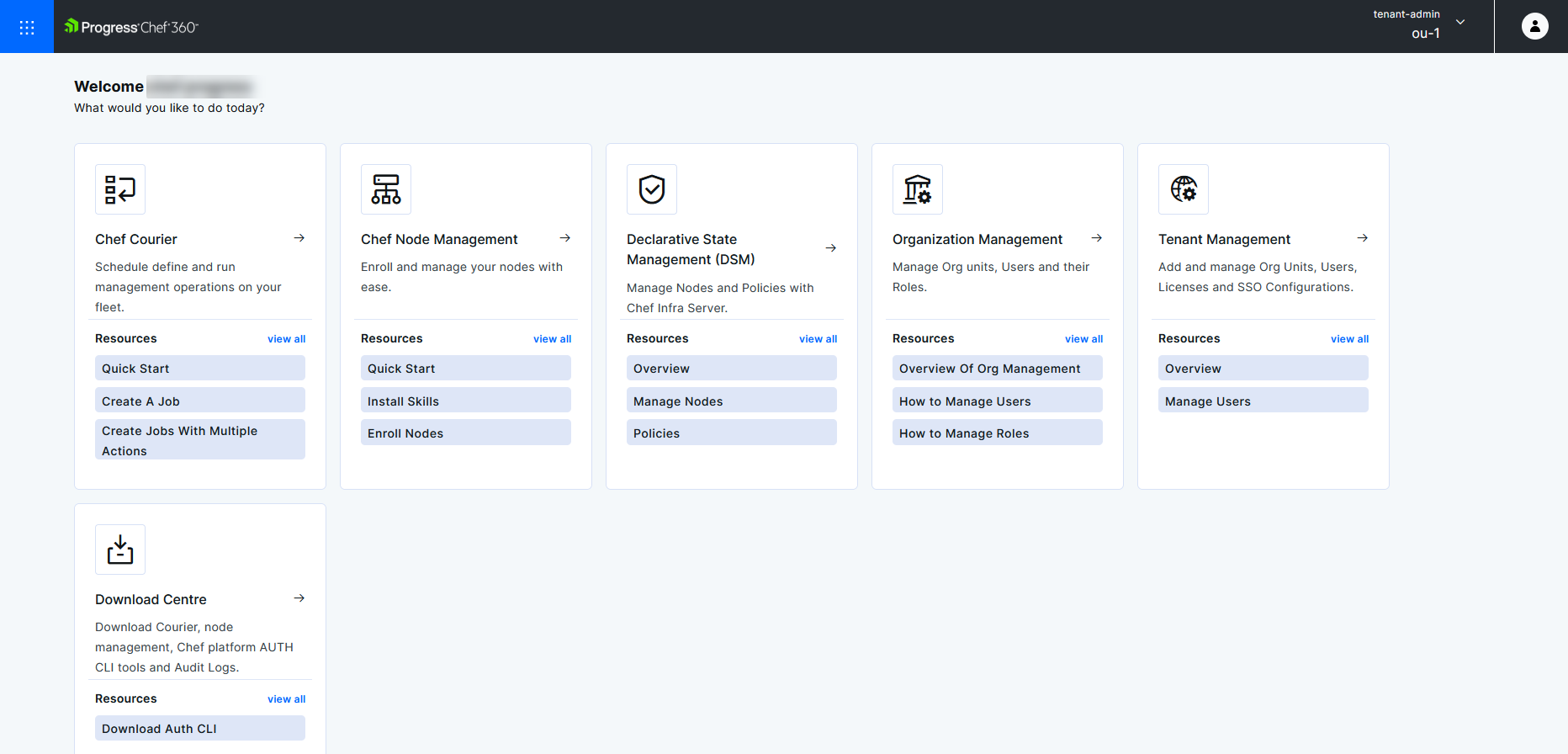
Chef 360 Platform UI login and overview
Chef 360 Platform is an integrated server service set that provides DevSecOps, fleet management, job management, and other supporting services.
Chef 360 Platform provides user interface (UI) functionality.
You must provide a valid username and password to log in to Chef 360 Platform UI.
To log in to the Chef 360 Platform UI:
In a web browser, navigate to
https://<CHEF_360_FQDN>:31000/app/hubLogin with your username and password.
Select your organization and role on the welcome page and select Proceed.
The Chef 360 Platform UI has five main areas of functionality:
- Chef Courier
- Node Management
- Declarative State Management (DSM)
- Organization Management
- Tenant Management
- Download Centre
The Hub page has tiles for the Courier, Node Management, DSM, Organization Management, Tenant Management, and Download Centre functional areas. You can access each area from the Mega menu in the top-left corner. These are described in further detail in the relevant sections.